Clipboard manager for macOS
Nine things. One trip.
Your Mac’s clipboard holds one thing at a time.
Nine Boxes gives you nine.
- Save
- Pick a box
- Paste
Free for 14 days, no card. Then $6 a month or $60 a year.
Watch it work.
Measured, not claimed
It stays out of the way.
Memory, everything running.
Processor, sitting idle.
Lives in the menu bar.
Appears on a keystroke.
It works where you already work.
Real apps. Real pastes.
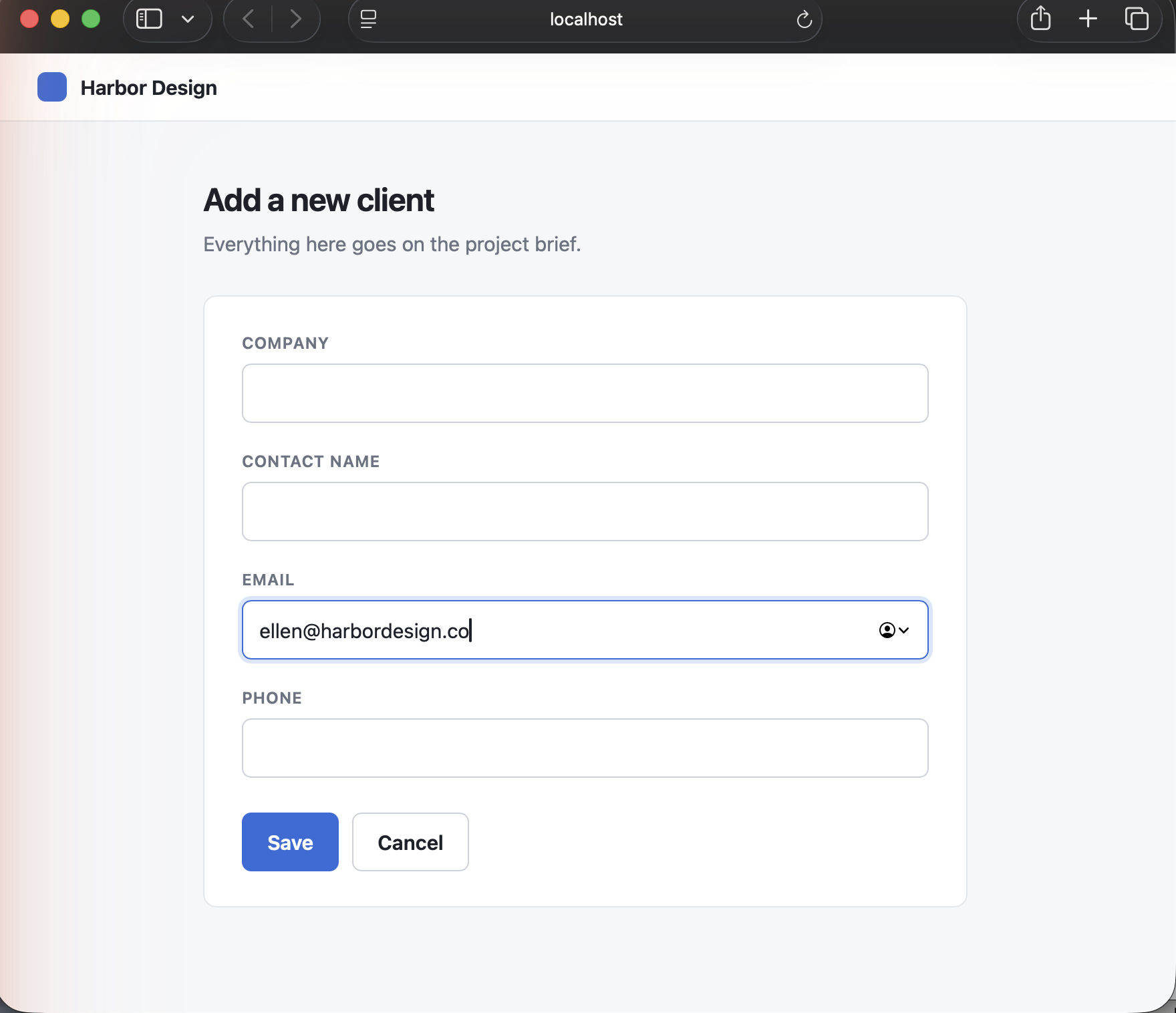
Safari
Web forms, field by field.
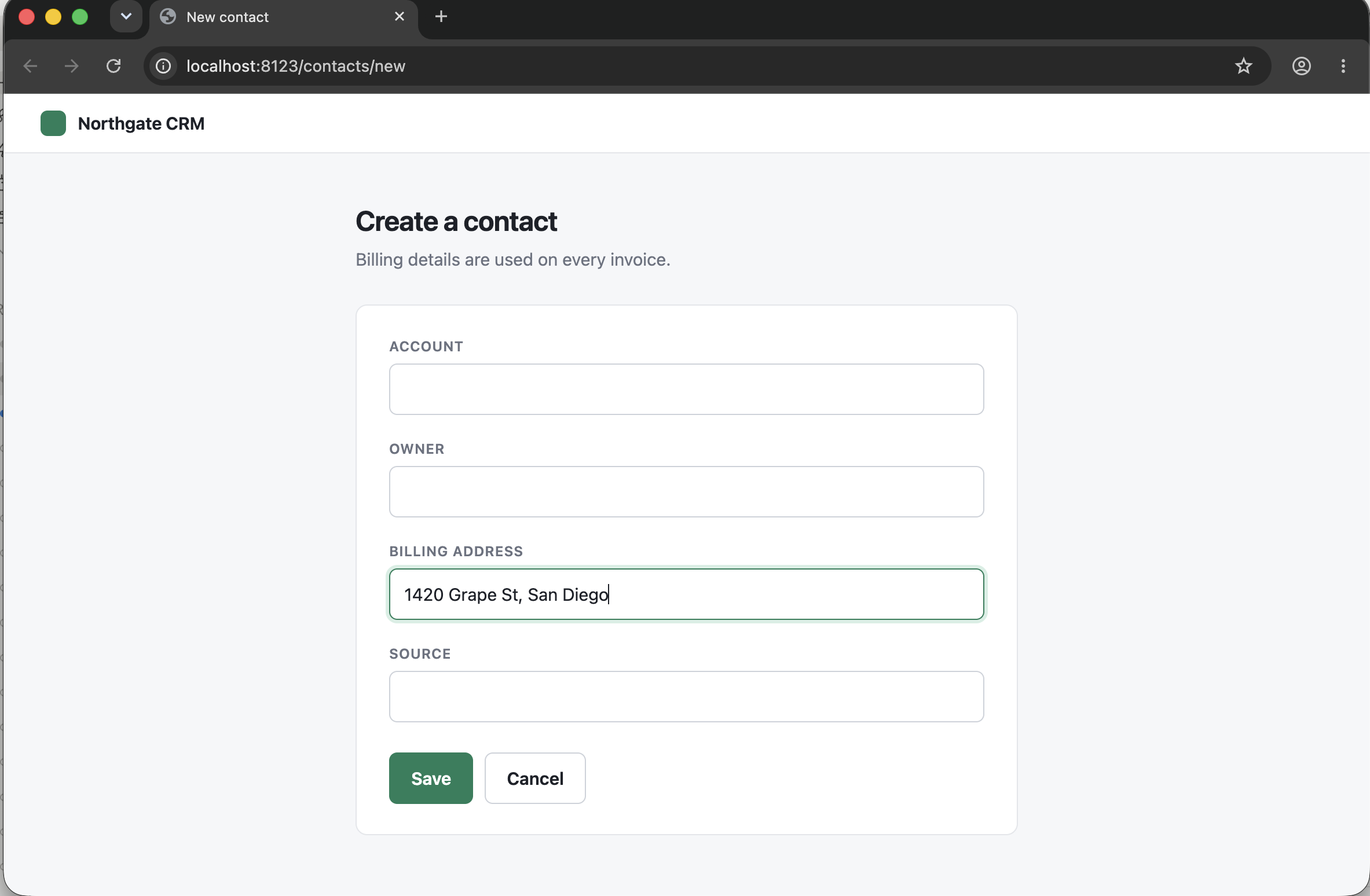
Chrome
Any browser. Into the page.
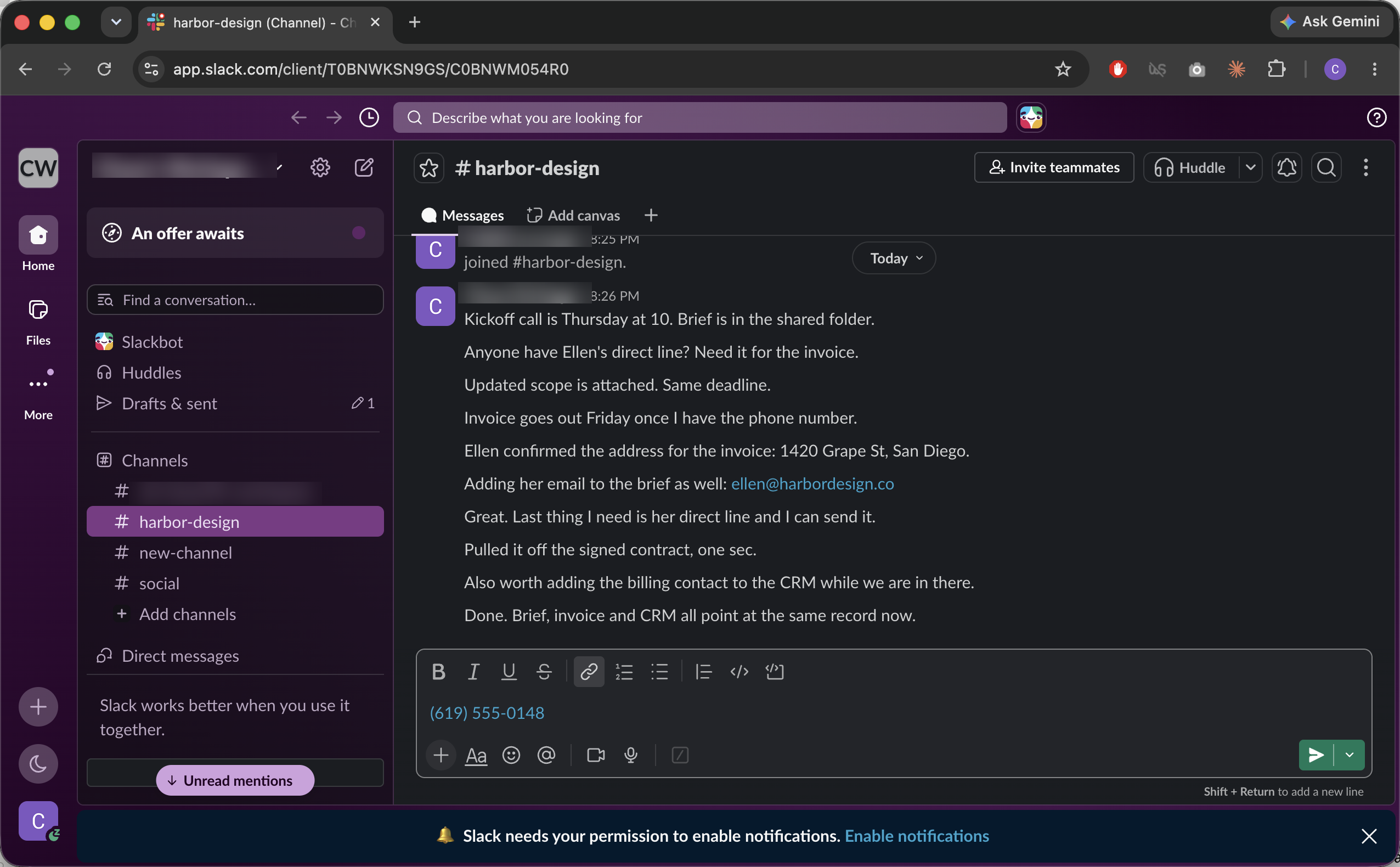
Slack
Three things, one message.
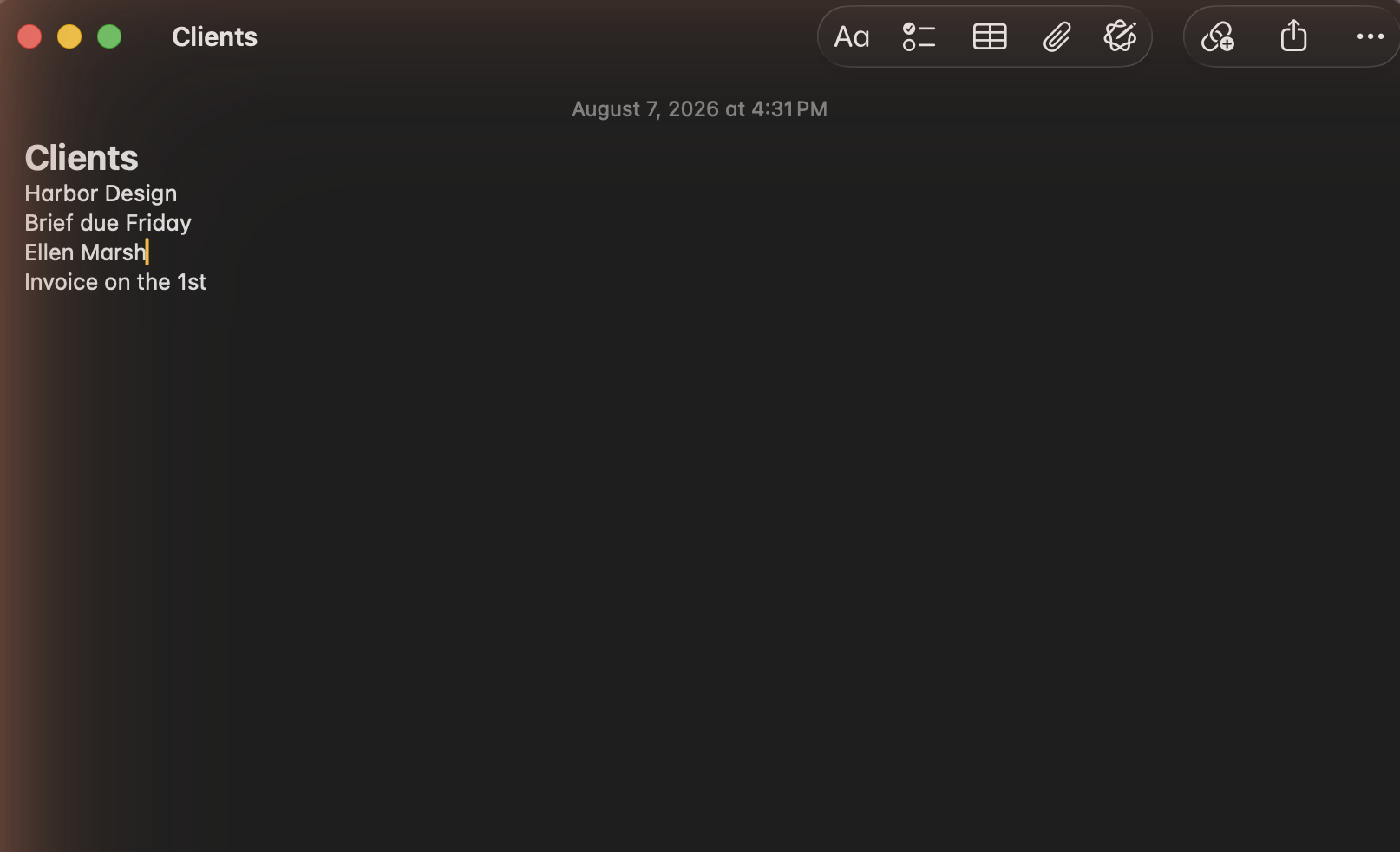
Notes
Formatting comes with it.
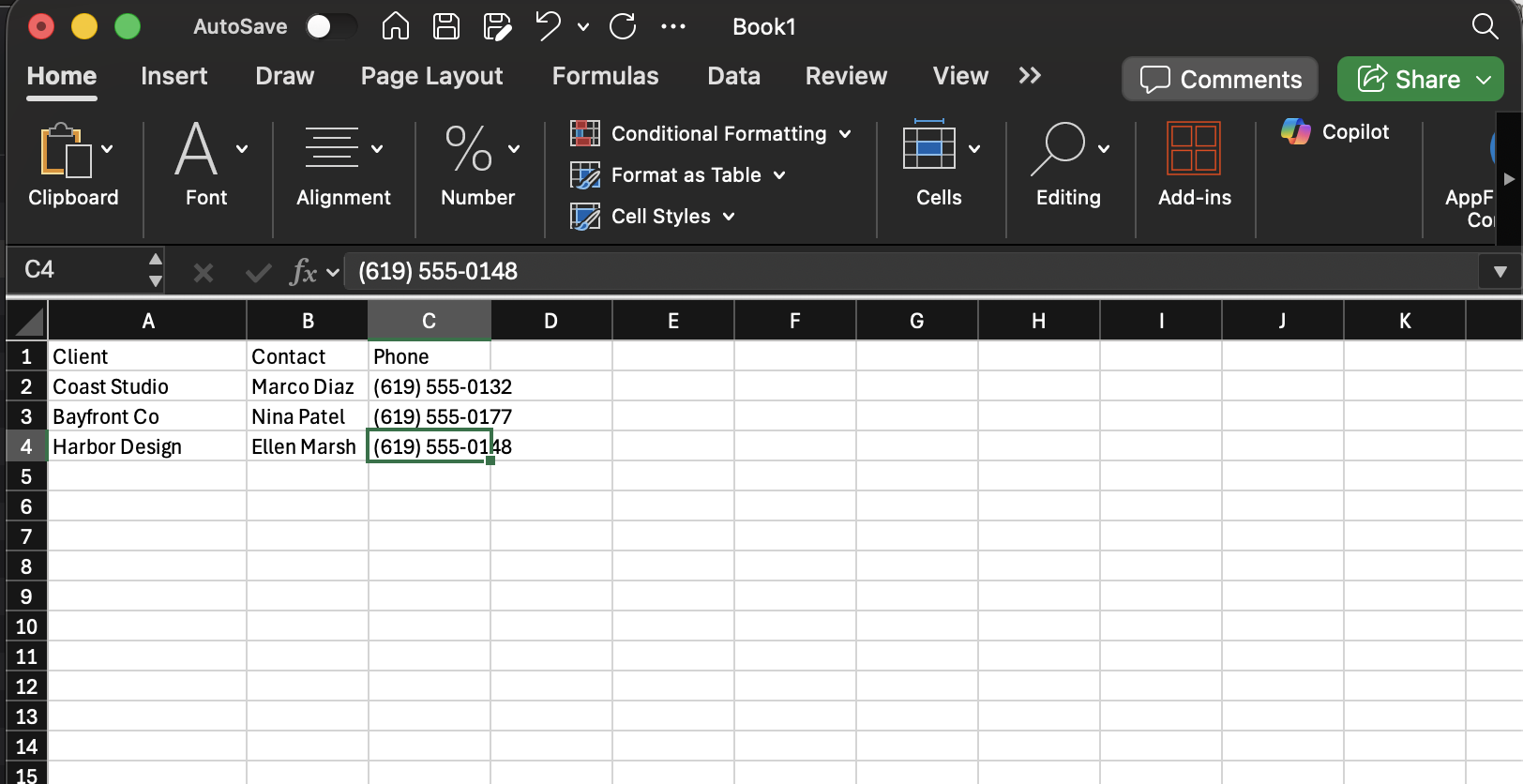
Excel
Down a column, no switching.
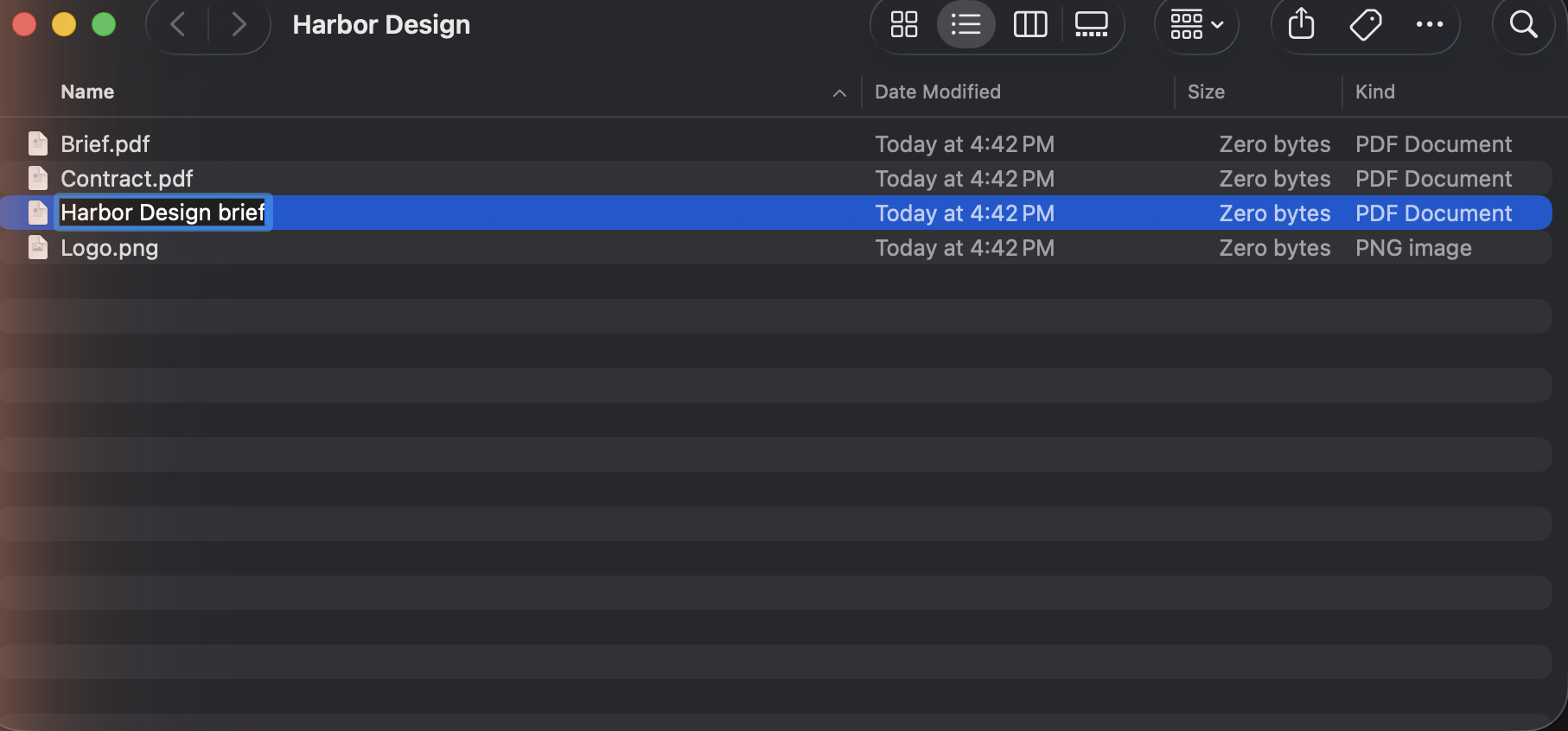
Finder
File names, and the files.


It stays on your Mac.
Locked to this Mac.
Everything you save is locked on this Mac with a key only this Mac has.
Password managers skipped.
Nine Boxes skips anything the copying app marks as private, and it ships already ignoring the password managers, including Apple Passwords, that do not mark it. A password copied from a browser is not something it can tell apart from any other copy.
Sync leaves scrambled.
If you turn on syncing, your boxes are scrambled before they leave your Mac and we can’t read them.
AI only when you ask.
When you ask Nine Boxes to do something with AI, like clean up a table or pull fields out of a receipt, that one piece of text goes to Anthropic to be processed. Nothing else does, and only when you ask.
What it costs.
Fourteen days of Pro first. No card.
Free
Two boxes. No account, no expiry.
Before you download.
One permission.
The same one password managers use.
Take it back any time.
One switch in System Settings.
Not on the App Store.
Those rules forbid that permission.
macOS 14 or later.
One download. Apple Silicon and Intel.
macOS will show the name Chase Your Solutions LLC at first launch.
Nine boxes. One trip.
Fourteen days of Pro. No card.
macOS 14 or later. One permission, granted once.